OCR software for Windows and Linux: PDF to Word, photos and scans into Word, Excel and text
An ABBYY FineReader alternative: it recognizes text right on your own computer and saves the result with tables, fonts and layout intact. Works offline — files never leave your PC.
What ScanLex does
Accurate text and table recognition that keeps the original look of the document.
Photos and PDF → Word / Excel / Text
Drop in a photo or a scan and get an editable file in the format you need.
Table recognition
Grids, merged cells and borders become a real Word or Excel table.
Searchable PDF
Scans turn into PDFs you can search and select text in.
Layout preserved
Fonts, sizes, bold text and line positions stay exactly as in the original.
Works offline
Recognition runs on your PC. Documents are never sent anywhere — complete privacy.
Simple and fast
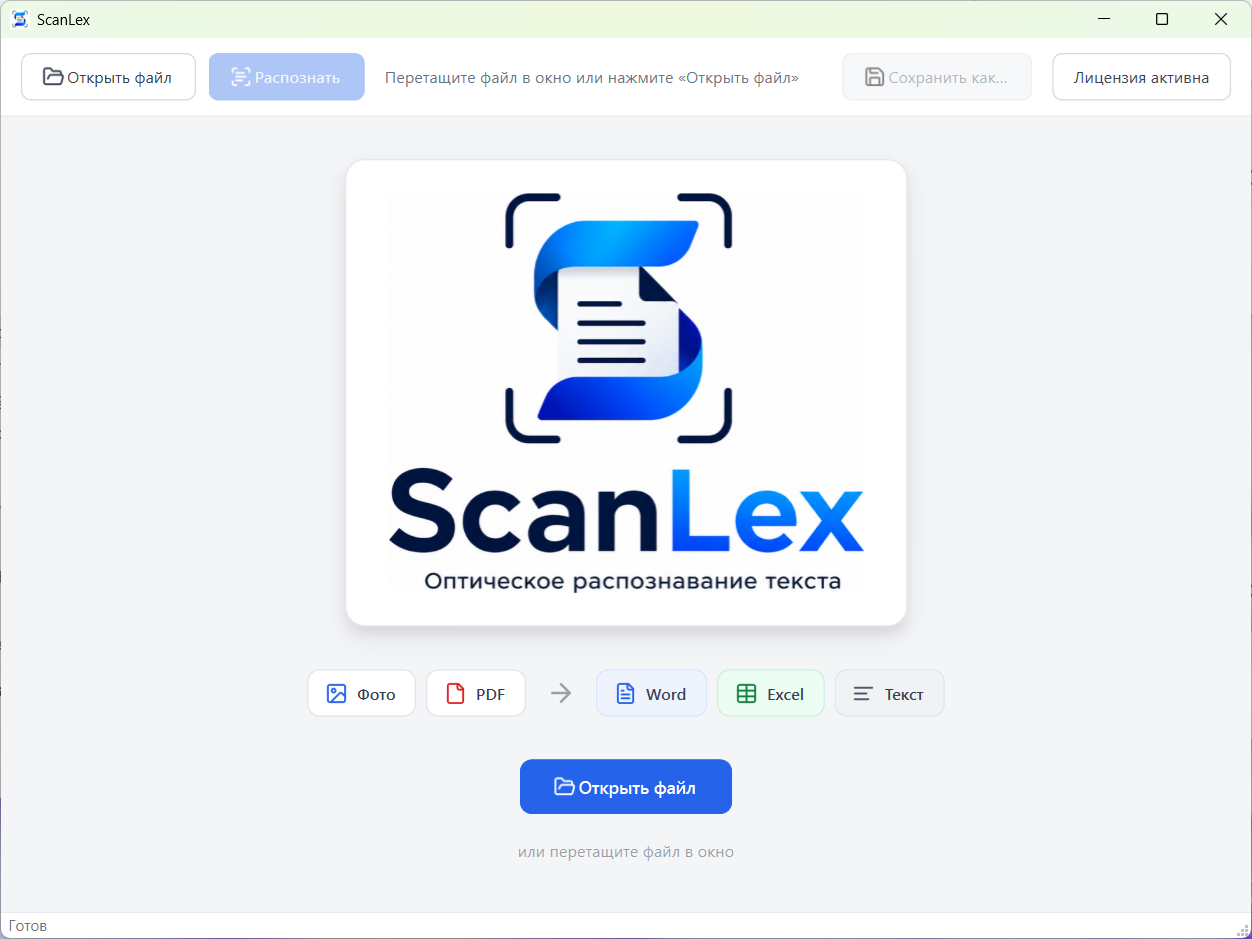
One button, drag & drop and a clear progress readout. Results in seconds.
Edit a PDF
To change a PDF, recognize it into Word and edit the text and tables like an ordinary document.
How it works
Three steps from a photo to a finished document.
Open a file
Drag a photo or PDF into the window, or click “Open file”.
Recognize
Click “Recognize” — ScanLex processes the pages and shows progress.
Save
Export the result to Word, Excel, plain text or searchable PDF.
Pricing
One licence covers one computer. Try it free first.
Annual subscription
- Every feature of the app
- 1 licence — 1 computer
- Updates included
2-year licence
- Every feature of the app
- 1 licence — 1 computer
- Updates included
Not sure yet? Install the app and use it free for 14 days — no payment, no sign-up.
For businesses
The same app licence, paid by invoice for your organization. Leave a request — we will send the invoice and payment details.
Annual subscription
- Every feature of the app
- 1 licence — 1 computer
- Updates included
2-year licence
- Every feature of the app
- 1 licence — 1 computer
- Updates included
Business licence request
We will reply within one business day and send the invoice.
Your documents stay with you
The ScanLex app runs fully offline: files are processed right on your computer and are never sent anywhere — not to the cloud, not to our servers.
Download for WindowsReady to digitize your documents?
Turn paper invoices, contracts and spreadsheets into editable files in seconds.