OCR software for Windows and Linux: convert PDF to Word, edit PDF files
PDFs, scans and photos become Word, Excel and text — with tables, fonts and layout preserved, and you can edit the original PDF right on the scan. Free for 14 days: the trial starts by itself on first launch, no payment, no sign-up.
What the 14 free days include
The trial is the complete app, not a stripped-down demo.
Everything unlocked
Word, Excel, plain text and searchable PDF, tables, editing right on the scan — all of it.
No watermarks
Files come out clean — send them to colleagues, print and file them right away.
No page limits
The online service caps the volume; the app does not — process hundreds of pages in a row.
Nothing gets charged
We never ask for payment details and set up no subscription — there is simply nothing to bill.
What happens after 14 days. The app will lock. To resume working you will need to purchase one of the available licences. See pricing
Edit PDFs right on the scan — no retyping the document
Found a typo in an invoice, contract or form? Fix it right in the image. The stamp, signature and letterhead stay put — the saved PDF looks like the original, not a retyped copy.
- Only what changed gets edited. The rest of the line stays scan pixels — neighboring words are not retyped and do not shift.
- Font, size and color match the document. The app picks a matching typeface and size for the edit on its own — the patch does not stand out on the page.
- Stamps, signatures and the paper background are untouched. The patch lands exactly where the edit is — paper tone and scan grain are matched automatically.
- You can add text or delete a line. The “+ Text” button adds a new fragment anywhere on the page.
- The result is saved as a PDF. The finished file is ready to send or print — no Word, no relaying it out.

What you can try on day one
Accurate text and table recognition that keeps the original look of the document.
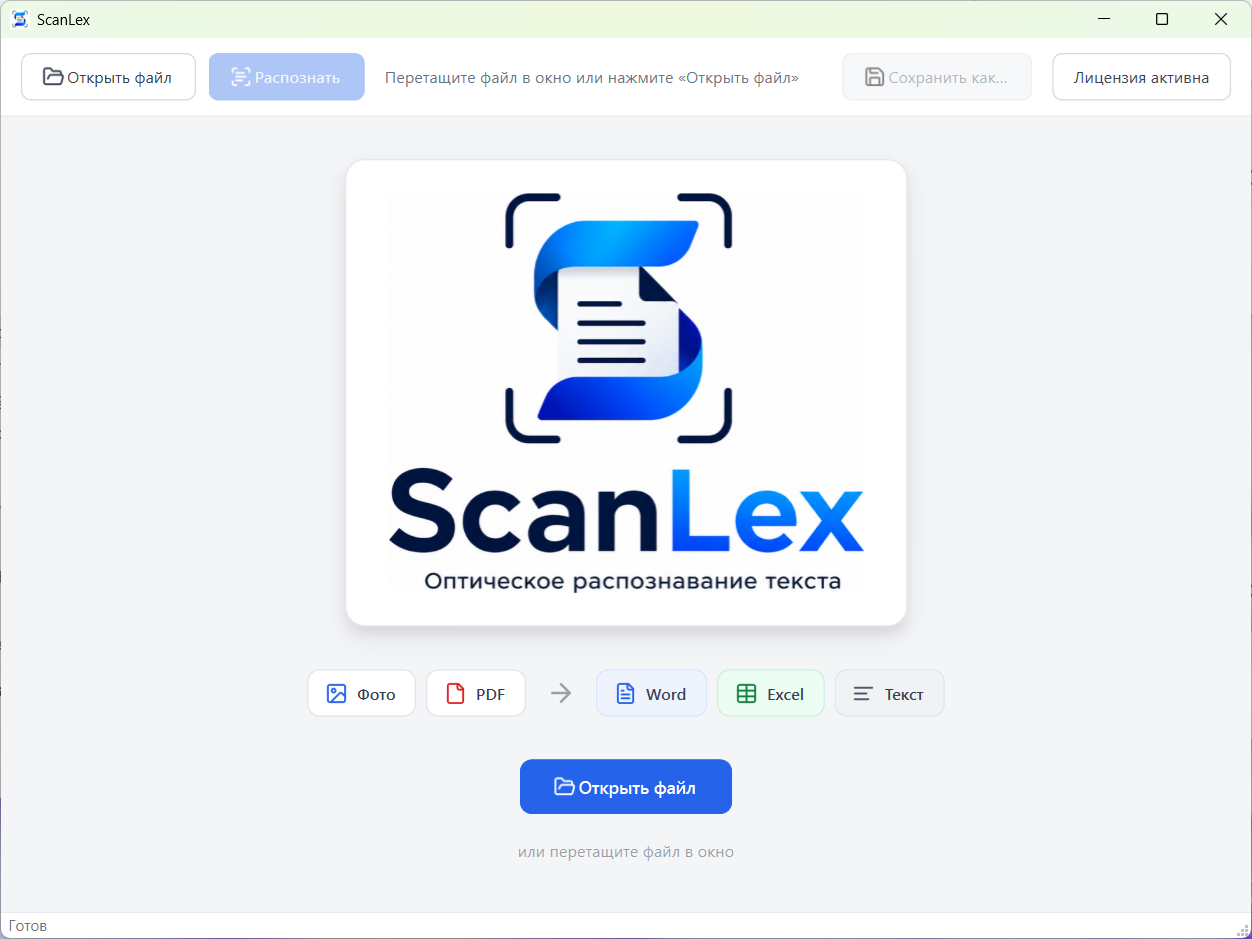
PDFs, photos and scans → Word, Excel, text
Open a photo or a PDF and get an editable file in the format you need.
Tables stay tables
Grids, merged cells and borders become a real table in Word and Excel.
Searchable PDF
Scans turn into PDFs you can search and select text in with the mouse.
Handles rough photos too
It straightens the rotation and enhances a small or blurry phone photo on its own — text reads where an ordinary scanner would give up.
Fully offline
Recognition runs on your own PC — fine for contracts, invoices and ID documents.
Simple and fast
Drop in a file, press one button — the result is ready in seconds. No training, no setup.
What it costs after the trial
One licence covers one computer. A one-time purchase — no subscription, no auto-charges.
Annual subscription
- Every feature of the app
- 1 licence — 1 computer
- Updates included
2-year licence
- Every feature of the app
- 1 licence — 1 computer
- Updates included
No payment now: 14 days free first, with no payment and no sign-up. You buy a licence once the trial is over.
For businesses
The same app licence, paid by invoice for your organization. Leave a request — we will send the invoice and payment details.
Annual subscription
- Every feature of the app
- 1 licence — 1 computer
- Updates included
2-year licence
- Every feature of the app
- 1 licence — 1 computer
- Updates included
Your documents stay with you
ScanLex runs on your computer: files are uploaded neither to a cloud nor to our servers. The internet is only needed to download the app.
Frequently asked questions
Short answers about the trial, installation and requirements.
Is the app really free for 14 days?
Yes. After installation the trial starts automatically and runs for 14 days. No payment is required and nothing is cut down: you get exactly what a paid licence gives.
Do I need to pay for the trial?
No. We never ask for payment details and set up no recurring charge — there is simply nothing to bill. If you want to continue after the trial, you buy a licence yourself.
What happens after 14 days?
The app will lock. To resume working you will need to purchase one of the available licences.
How much does the app cost after the trial?
A one-year licence is $16.36, a two-year one is $27.69. It is a one-time purchase, not a subscription with auto-charges: one licence works on one computer and updates are included. Organizations can pay by invoice: $37.75 per year and $62.92 for two years.
Which Windows do I need, and how much disk space?
Windows 10 or Windows 11, 64-bit, and about 1 GB of disk space. The installer is large because the offline recognition engine for English and Russian ships inside it — nothing has to be downloaded later.
Is an internet connection required?
Only to download the app. Recognition happens right on your computer: documents are sent nowhere — neither to a cloud nor to our servers.
How is the app different from the online service?
The online service is handy for a single file with nothing to install, but the page volume is capped and the file is uploaded to a server. The app works offline, without volume limits and with batch processing.
Is the trial per computer?
Yes, the 14 days apply per computer. The trial is tied to that machine, so reinstalling the app does not extend it.
How do I uninstall it if it does not fit?
Like any other app: Settings → Apps → ScanLex → Uninstall. The files you recognized stay where they are.
Try it on your own documents
Download it, install it and recognize your first invoice, contract or spreadsheet today.